Educational Articles
Best File Formats for Flyer Printing (PDF, AI, PSD)
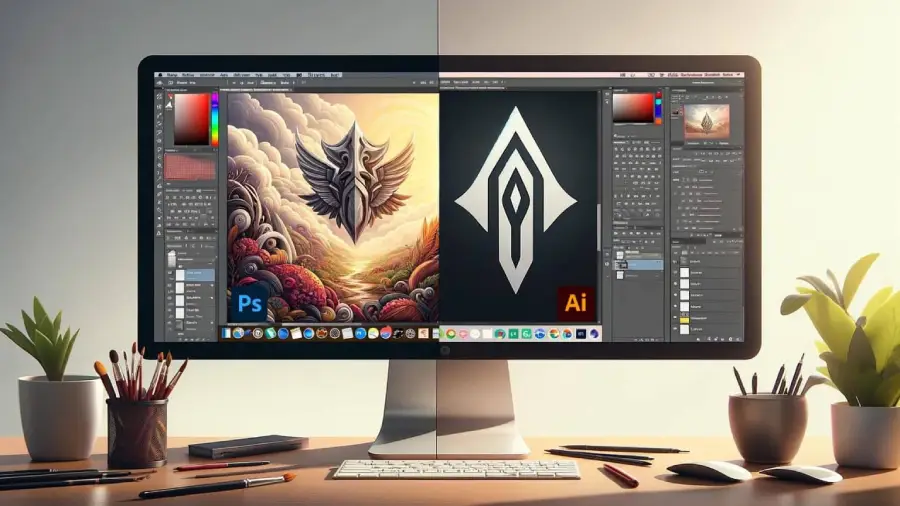
Choosing the best file formats for flyer printing plays a critical role in print preparation. It directly impacts output quality, color accuracy, and compatibility with printing systems.
When a designer selects the wrong file format, even a well-crafted design can lose quality or show color shifts and structural inconsistencies in the final printed output.
In flyer printing projects, three primary file formats—PDF, AI, and PSD—are widely used, and each serves a different purpose with its own advantages and limitations.
This turns format selection into a production-level decision that directly impacts the entire print workflow, not just a software preference.
PDF is typically used as the final print format because it preserves layout integrity and prevents unexpected changes. AI is mainly used during the design phase and provides full control over vector elements. PSD is ideal for designs that involve complex imagery, layered compositions, or advanced visual effects.
A clear understanding of these formats allows designers to structure files correctly before export and align them with print requirements. This approach reduces production errors, improves file compatibility, and ensures a more consistent and high-quality final output.
This cluster analyzes the best file formats for flyer printing, explains their technical differences, and provides a practical framework for selecting the most appropriate format based on project requirements.
Best File Formats for Flyer Printing
Selecting the best file formats for flyer printing is a foundational decision in print-ready file preparation. It directly impacts output quality, color accuracy, and structural consistency during production.
When the format does not match print requirements, even a professionally designed flyer can lose quality or experience layout shifts and rendering issues in the final output.
In flyer printing workflows, a design file functions as a production-ready instruction set rather than just a visual asset. For this reason, the selected file format must preserve all design data without distortion, destructive compression, or misinterpretation by printing systems. PDF, AI, and PSD are the three primary formats used in this process, and each serves a distinct role across different stages of design and production.
PDF acts as the industry-standard final output format due to its ability to lock all design elements into a stable, non-editable structure. This ensures consistent rendering across different systems and eliminates risks related to font substitution, layout shifts, or color inconsistencies. AI, on the other hand, supports the design phase by providing full control over vector elements and precise editing capabilities. PSD is typically used for image-based designs that require layered editing, advanced effects, and detailed visual manipulation.
The importance of selecting the correct format increases in large-scale print production. Even minor file inconsistencies can lead to repeated errors, higher costs, and reduced quality.
A structured approach to format selection keeps the file print-ready from the start and ensures a smooth transition into the production stage without corrective adjustments.
Why PDF Works Best File Formats for Flyer Printing?
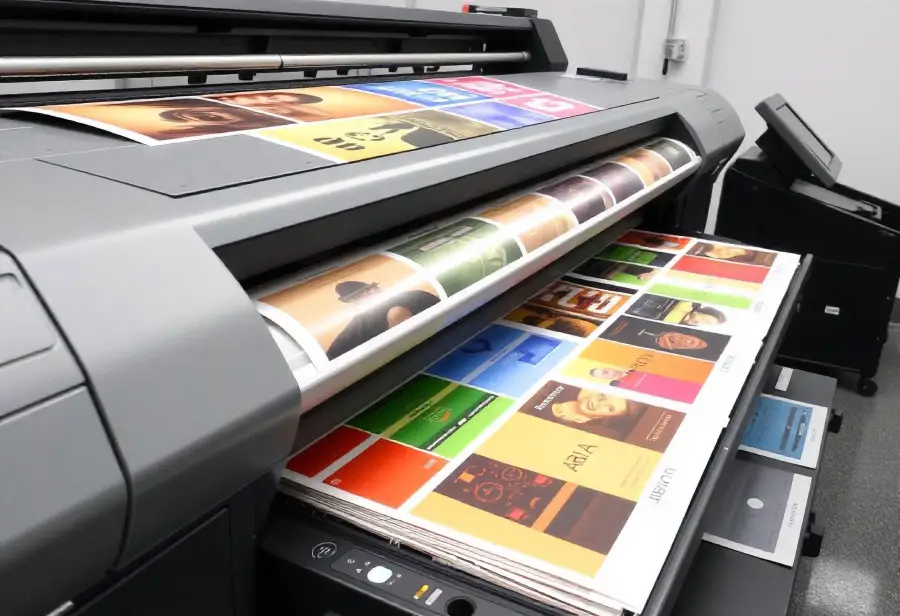
PDF stands as the industry-standard format in flyer printing because it delivers structural stability and prevents unintended changes during file transfer and production. When a designer exports a file as PDF, the system locks all elements—including fonts, colors, images, and layout—into a fixed structure. This ensures that the file renders consistently across different devices, software environments, and printing systems without any deviation.
Within the context of best file formats for flyer printing, PDF provides the highest level of compatibility with print workflows. Unlike editable formats, PDF is specifically designed for final output, which means it eliminates risks such as missing fonts, layer misinterpretation, or layout shifts. This reliability becomes essential in professional print environments where precision andconsistency directly affect output quality.
Another key advantage of PDF lies in its ability to maintain high visual fidelity, helping designers prevent blurry prints while managing file size efficiently. The format applies intelligent compression techniques that reduce file weight without sacrificing detail, making it suitable for both small and large print runs. This balance between quality and efficiency allows print providers to process files faster while preserving design accuracy.
PDF also supports precise control over critical print settings such as bleed, trim, and color profiles. Designers can embed these specifications directly into the file, ensuring that the document aligns with production requirements from the start. As a result, the file moves into the printing stage without requiring manual corrections or adjustments, which reduces the likelihood of human error during prepress.
Ultimately, PDF functions as a stable, predictable, and production-ready format that aligns seamlessly with industry standards. For this reason, it remains the most reliable choice for final flyer printing output.
When to Use AI (Adobe Illustrator) Files for Flyer Printing
Professional Comparison of PDF, AI, and PSD for Flyer Printing
When selecting between PDF, AI, and PSD for flyer printing, each format plays a distinct role across the design-to-production workflow. The key differences lie in the level of design control, output stability, and compatibility with printing systems. Understanding these differences allows the decision-making process to shift from subjective preference to a structured, technical, and predictable approach.
| File Format | Primary Use | Key Advantage | Main Limitation | Recommendation Level |
|---|---|---|---|---|
| Final print output | Full stability and layout preservation | Limited editability | ⭐⭐⭐⭐⭐ Final standard | |
| AI | Vector design and master file creation | Complete control over graphic elements | Requires final export for printing | ⭐⭐⭐⭐ Design stage |
| PSD | Image-based design and complex effects | High flexibility in layers and effects | Dependent on resolution and color management | ⭐⭐⭐ Initial design |
After comparing these formats, it becomes clear that no single format can support the entire design-to-print process on its own. Each format delivers maximum value at a specific stage. Using them in the right combination improves output quality and reduces the risk of production errors.
Choosing the Right File Format for Flyer Printing
Choosing the Best File Formats for Flyer Printing plays a key role in print quality, accuracy, and workflow efficiency. Many print issues start before production due to incorrect file setup or poor format selection. Problems such as color shifts, missing fonts, resolution loss, and layout inconsistencies often occur when designers do not follow a structured workflow. A controlled approach helps prevent these issues and ensures stable output across all stages.
Each format serves a specific role in production. AI supports vector-based designs that require scalability and precise editing control. PSD works better for image-heavy layouts with layered effects and detailed visual editing. At the final production stage, PDF becomes the most reliable format because it preserves layout structure, typography, and color accuracy across printing systems.
To maintain high production standards and reduce technical errors, designers should follow essential file preparation practices:
- Define the final print specifications before starting the design process.
- Keep AI or PSD files as editable master files throughout production.
- Export the final artwork as a print-ready PDF (PDF/X format).
- Convert all files to CMYK before export to maintain accurate print colors.
- Use a minimum resolution of 300 DPI for all print visuals.
- Embed or outline fonts to prevent typography replacement issues.
- Apply correct bleed and safe area setup before export
- Avoid compressed formats such as JPG for professional print production
- Perform a complete preflight review before sending files to print
Project requirements also influence format decisions. Vector-driven designs perform best in AI, while visually complex layouts rely on PSD for greater control. In both cases, PDF remains the standard output, ensuring compatibility and consistency. When designers separate the design phase from the production phase and assign each format to the correct role, they create a more reliable workflow and achieve higher print quality.

Conclusion
Choosing the right file format plays a direct role in flyer printing quality and production stability. PDF, AI, and PSD each support different stages of the workflow, and designers achieve the best results when they use every format for its intended purpose.
AI and PSD provide flexibility during the design phase, allowing precise editing and visual control. At the production stage, PDF becomes the most reliable output format because it preserves layout structure, typography, and color consistency across printing systems.
Project type also influences this decision. Vector-based designs work best in AI, while image-heavy projects benefit more from PSD. In the context of Best File Formats for Flyer Printing, converting the final artwork into a properly configured PDF ensures stable and professional print results.
Ultimately, format selection forms part of a broader print preparation strategy. When designers manage files through a structured workflow, they reduce production risks, improve output consistency, and create higher-quality printed materials.